How It Works

Meeting Guide

Guide to your First Meeting

In four short steps, you can launch, schedule, and run your first Hello Meet session with a clean, reliable setup.

Start Meeting
Guide preview

1. Launch Your Browser

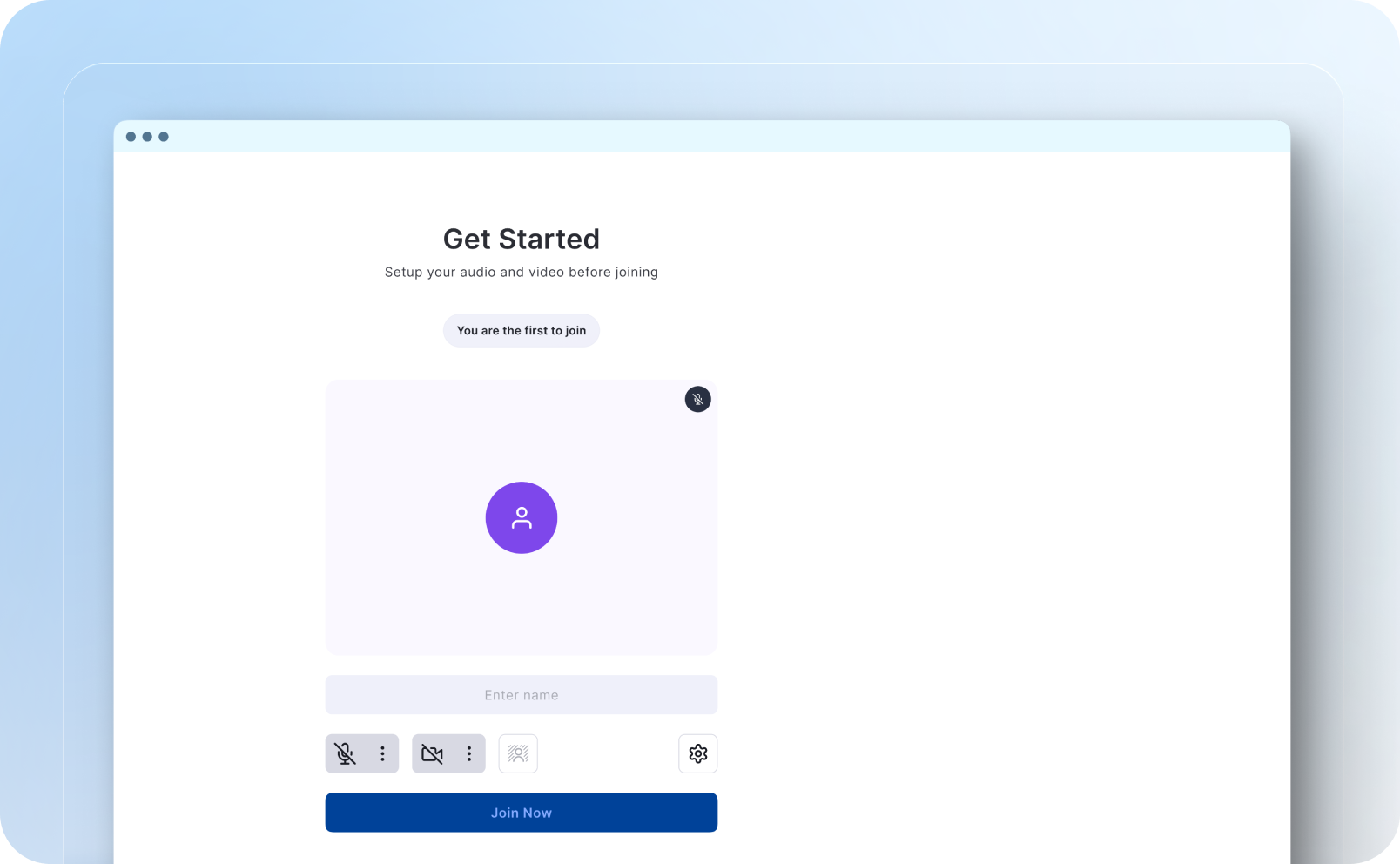
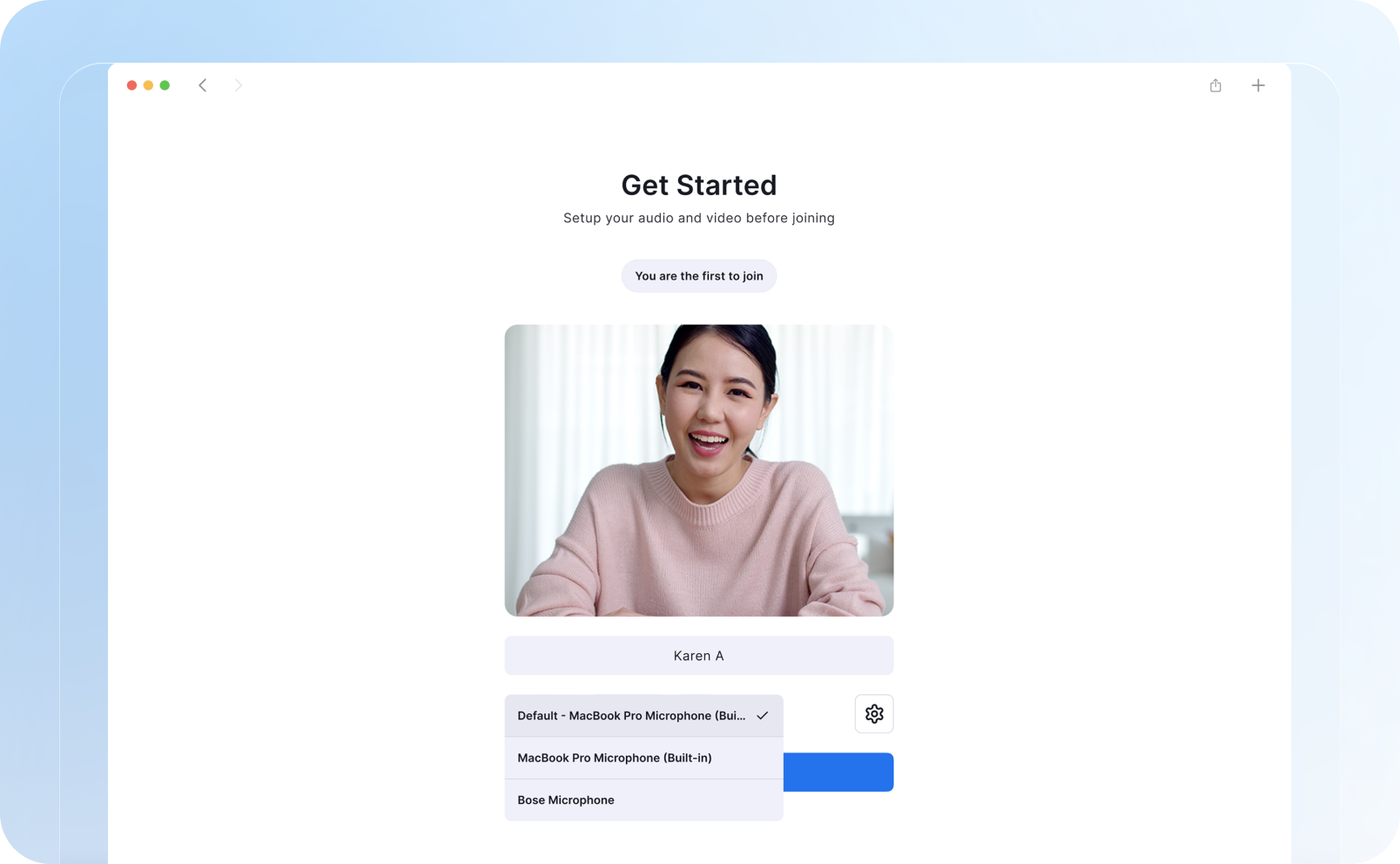
Run your first meeting in seconds by opening Hello Meet in your browser and selecting your preferred audio and camera settings.
Launch Your Browser
  • Open a supported browser and visit the Hello Meet dashboard.
  • Allow camera and microphone permissions for smooth call quality.
  • Use the pre-join preview to confirm your audio and video are clear.
2. Set Your Storage

Choose how recordings, shared files, and meeting notes are stored so your team can quickly review decisions later.

Set Your Storage
  • Choose your preferred storage space from the meeting setup screen.
  • Set access permissions to keep your meeting records private.
  • Enable automatic save to avoid losing chat messages or notes.

3. Generate Your Meeting Link

Create a secure meeting URL and share it with your participants by email, chat, or calendar invite.

Generate Your Meeting Link
  • Click Start Meeting to generate a secure room link instantly.
  • Copy the URL and share it with your team and external guests.
  • Add the link to calendar events so everyone joins on time.

4. Manage the Room

Use moderation controls to keep sessions focused and productive with participant controls, chat, and screen-sharing tools.

Manage the Room
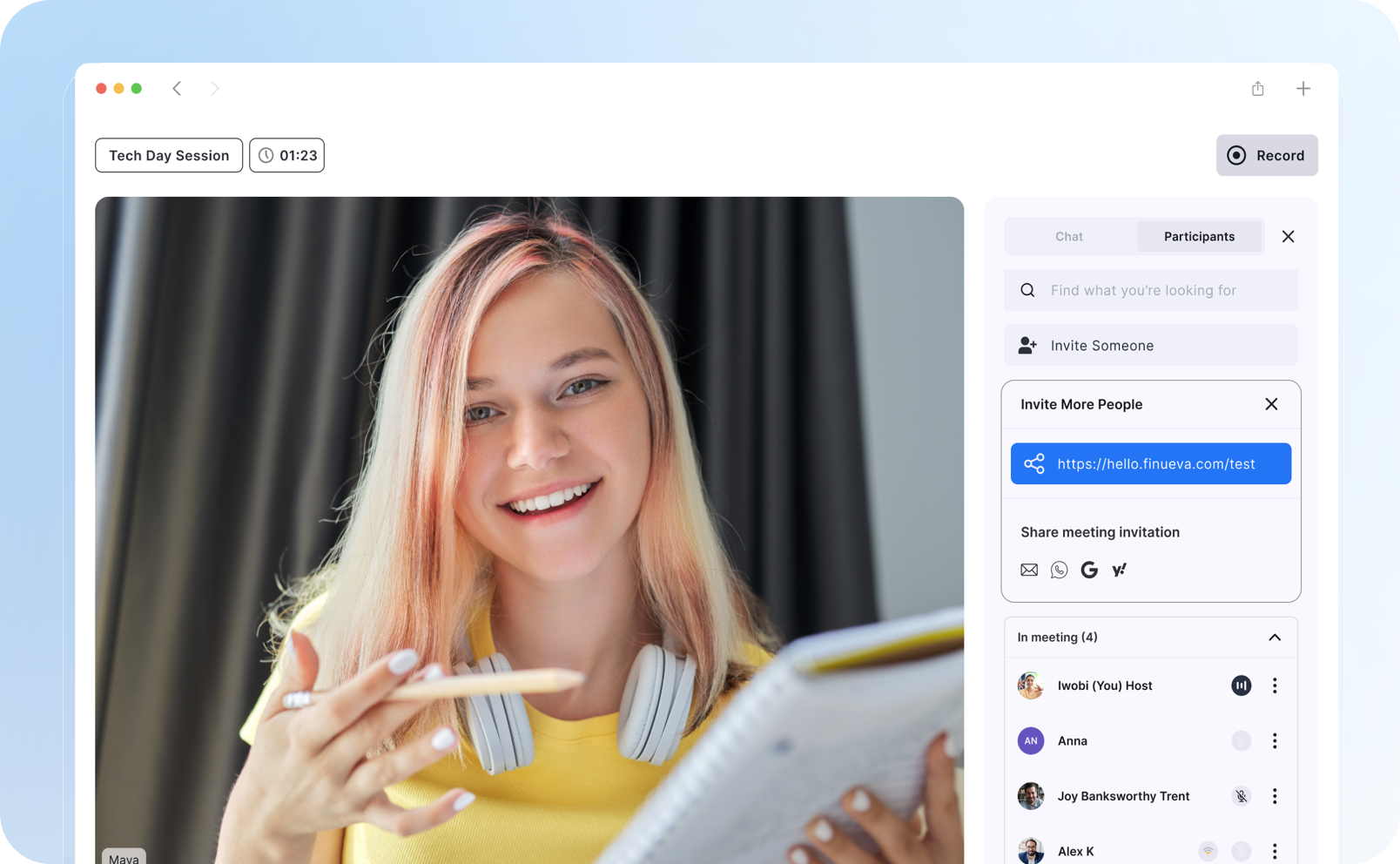
  • Mute participants, manage screen sharing, and control room access.
  • Use in-meeting chat and reactions to keep conversation flowing.
  • Close the room when done and save final notes for your team.

Let's Get Started on Building Something Amazing Together

Start Meeting